Local sharing
Share books with KOReader over your local network. Open Mangabound’s OPDS catalog on the reader and choose which books to download.
Start sharing
Section titled “Start sharing”- Use Share these books in the results to share that conversion, or Share in the titlebar to choose an existing library folder.
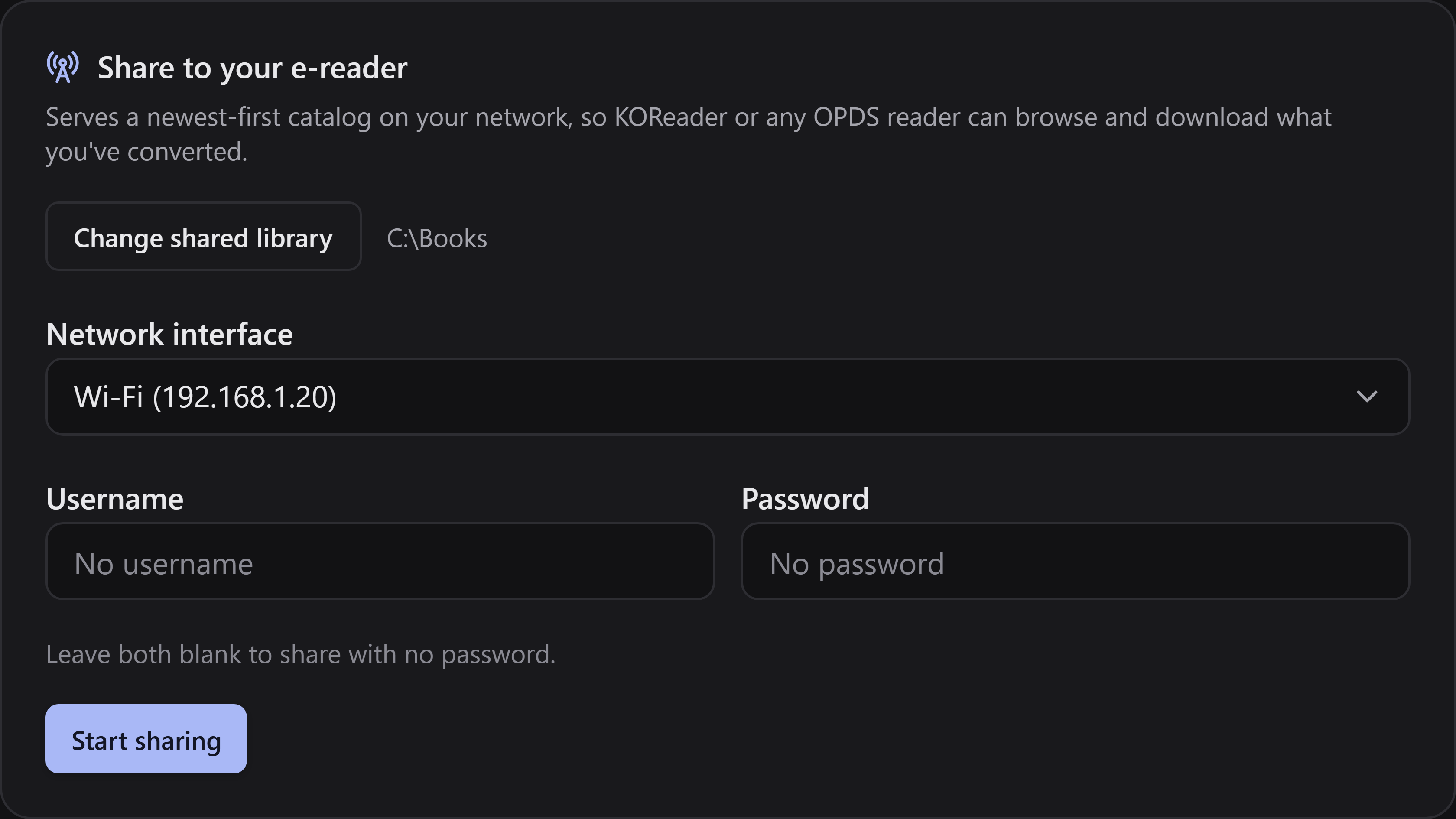
- Select Network interface for the network your reader can reach—Ethernet is fine even if the reader uses Wi-Fi. Avoid a VPN adapter unless both devices can reach that network. The chosen interface is remembered.
- Optionally fill in both Username and Password, or leave both empty.
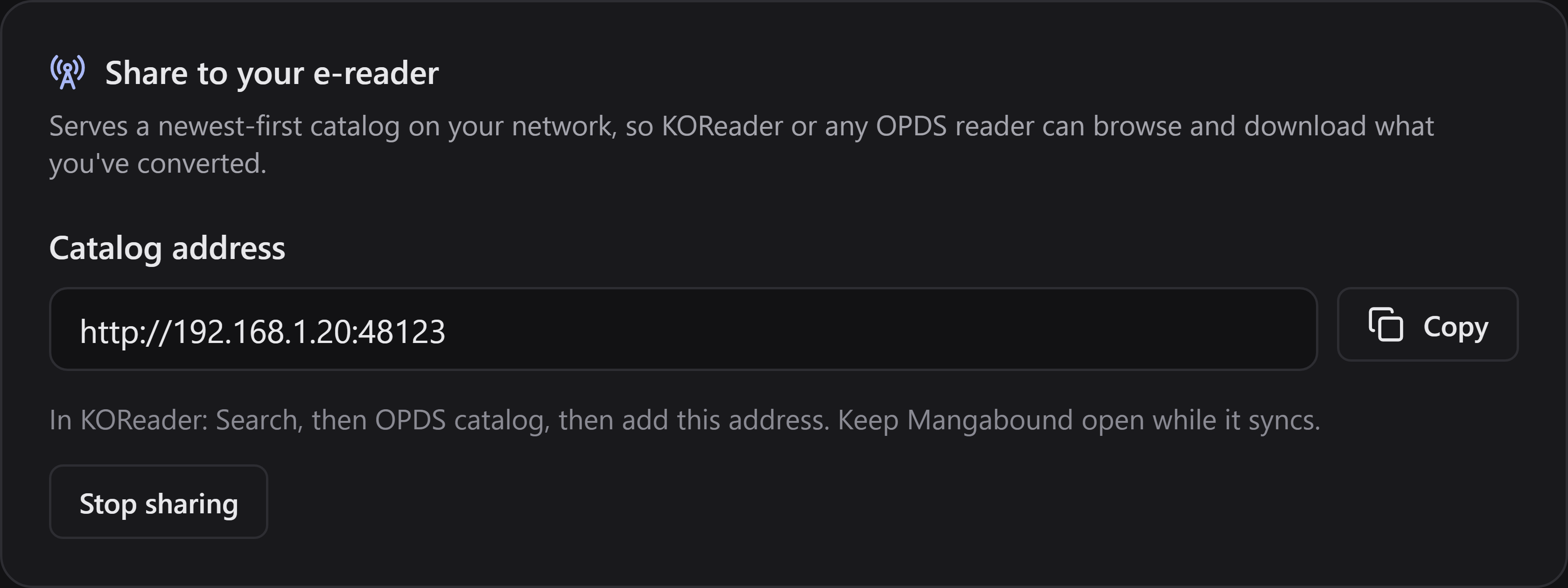
- Select Start sharing, then Copy the address the app displays. Keep Mangabound open until downloads finish.
The address looks like http://192.168.1.150:48123/. Use the one shown in your app.
Open Recently converted to find your latest books first. Other files lists additional books from the shared library.
Show the steps
Choose the network interface your reader can reach and use Start sharing.
Use the catalog address shown after sharing starts. Keep Mangabound open during downloads.
Continue with connecting KOReader. Use Stop sharing when finished.
If a book does not show up
Section titled “If a book does not show up”Mangabound serves only files that are inside the shared folder. A subfolder that is a link (a symlink or a junction) to a place outside it is not followed, so its books are not shared, and the app’s log says which book was left out. Share the folder the books really live in instead.
If your reader cannot connect
Section titled “If your reader cannot connect”Check that both devices can reach the same local network, the chosen interface is correct, sharing is still active, and your firewall allows the app on that trusted network. Guest Wi-Fi/client isolation and VPNs can block access even when both devices have internet. If the selected computer IP changes, update the catalog address in KOReader.