Conversion settings
Device and format
Section titled “Device and format”Choose your model under Device. To set the page size yourself, open Advanced conversion options and fill in Custom width and Custom height in pixels. A custom device profile requires both dimensions.
| Format | When to choose it |
|---|---|
| EPUB | A book with chapter navigation; the single-series-book mode requires it |
| CBZ | Processed images in a ZIP archive; often a straightforward choice for KOReader |
| Fixed pages for a reader or tablet that supports PDF |
Compatibility depends on the reader application as well as the device. Kindle’s native reader does not directly open EPUB: use a compatible transfer/conversion service or an installed reader such as KOReader. KOReader treats EPUB differently from CBZ/PDF; see reader settings.
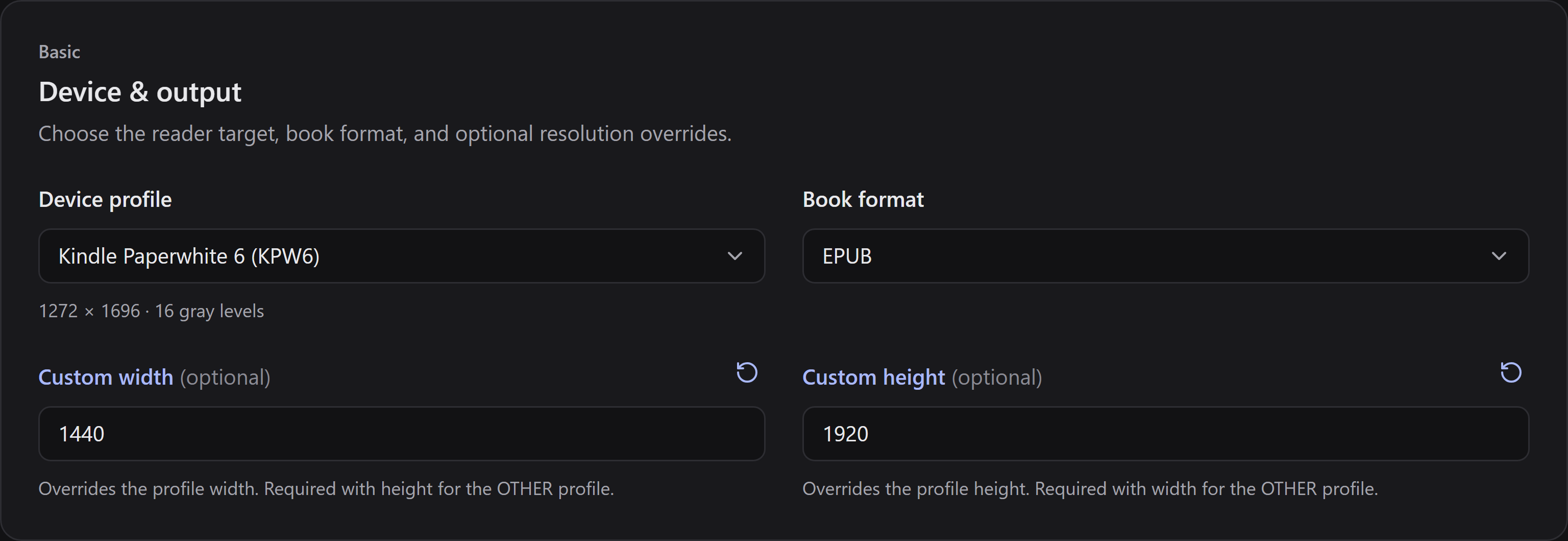
These dimensions are an example; use the size appropriate for your screen.
Advanced conversion options
Section titled “Advanced conversion options”Advanced conversion options exposes mangapress’s settings, grouped by purpose. Start with the device defaults; change one setting at a time and check the resulting book.
- Cropping removes margins, with optional page-number detection. If artwork is cut off, reduce or disable cropping.
- Splitter chooses split, rotate, or both for double-page spreads. Manga-style reading order puts the right half first when splitting.
- Resize and image encoding control dimensions, scaling, color, and JPEG quality. An empty optional field uses its documented device/tool default, not zero.
- Erase rainbow reduces certain moiré artifacts. It is optional; compare results on your own pages.
Modified fields can be reset individually, or together with Reset to defaults. Settings are kept between launches.
One book for the series
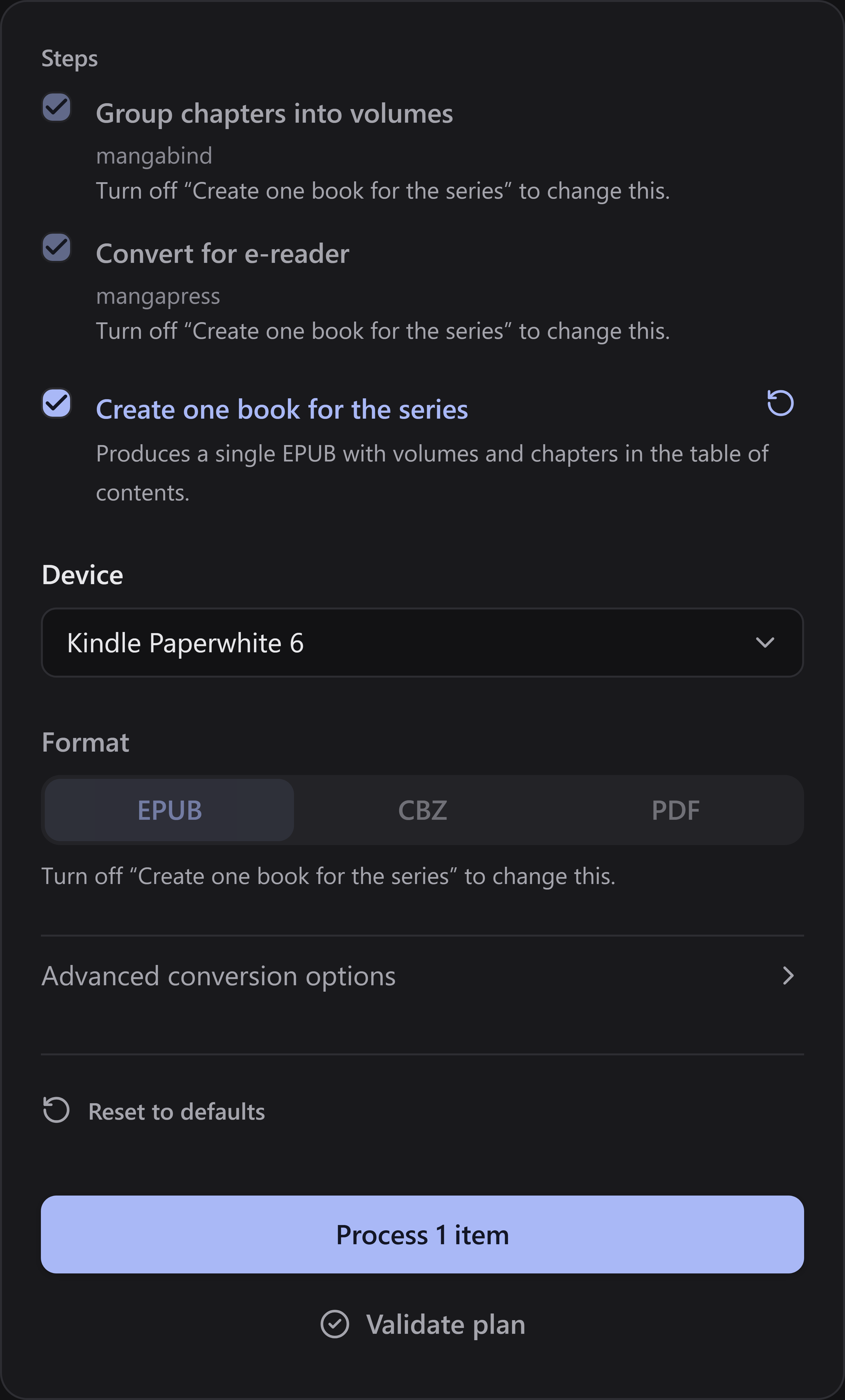
Section titled “One book for the series”Enable Create one book for the series in the queue to combine its chapters and volumes into one book, with chapters nested under their volumes in the table of contents.
This mode uses EPUB and keeps both process steps enabled. Turn it off to change the format or steps. Larger combined books can take longer to open on an e-reader.
The standalone CLI has its own defaults; do not assume they match the GUI. For terminal use, see mangapress.