Adding manga
Which input should I add?
Section titled “Which input should I add?”| What you have | What to add |
|---|---|
| A manga’s chapter folders or separate chapter CBZs | Their containing manga folder |
| Several manga folders in one library directory | The library folder; inspect its individual titles before processing |
| A complete volume already in a CBZ | The CBZ itself |
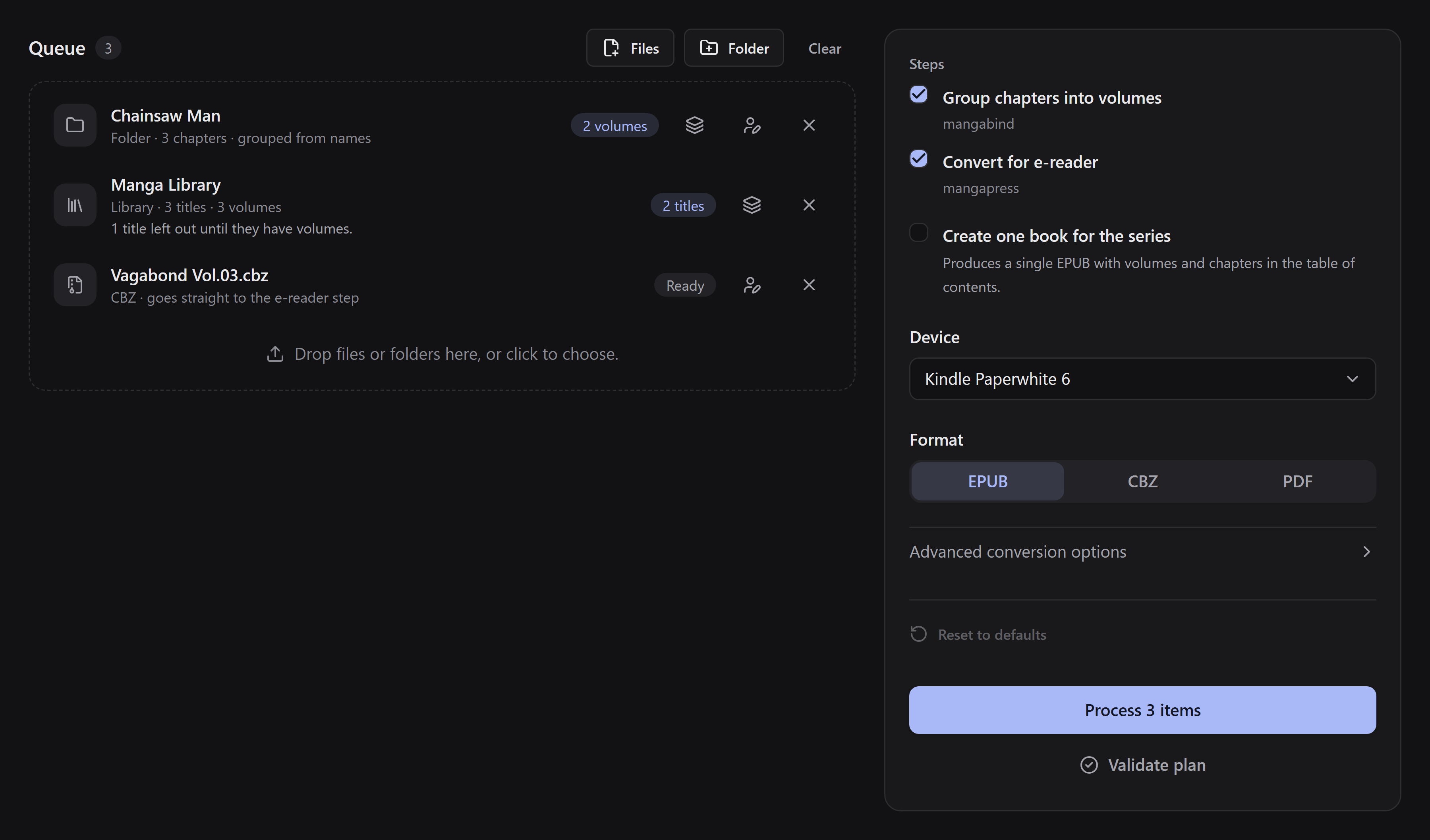
Use Files, Folder, or drag files/folders onto the queue. The clickable drop area offers the same choices. Mangabound inspects the input before conversion; chapter folders with missing or conflicting assignments may need review.
Review an item
Section titled “Review an item”Use Edit volumes for chapter-to-volume mapping. A library opens its list of titles so you can review each manga separately. Removing an input from the queue does not delete its source files.
Use the book-details action to set Series title or Book title, Author, and Language for each item. You can enter the author yourself or look it up online. If the folder names say the manga is in another language than the one the books are made in, the Language field offers a button to use it, such as Use pt-BR; nothing changes until you click it. You can type a language in any capitalization: books are always written with the standard form, so pt-br becomes pt-BR. For a library, set these details for each title.
Chapters have no volume names
Section titled “Chapters have no volume names”You do not have to rename the whole collection. Open the mapping editor: if no volume grouping exists, it switches to Manual and offers Online source as an optional alternative. Follow volume mapping.
A loose chapter CBZ added as a file is considered a complete volume. Add its folder if you want it grouped with other chapters.