Processing
After Process, Mangabound performs the selected steps:
- Building volume files: mangabind groups the mapped chapters and writes intermediate CBZs. Follow the chapter and page counts as the volumes are built.
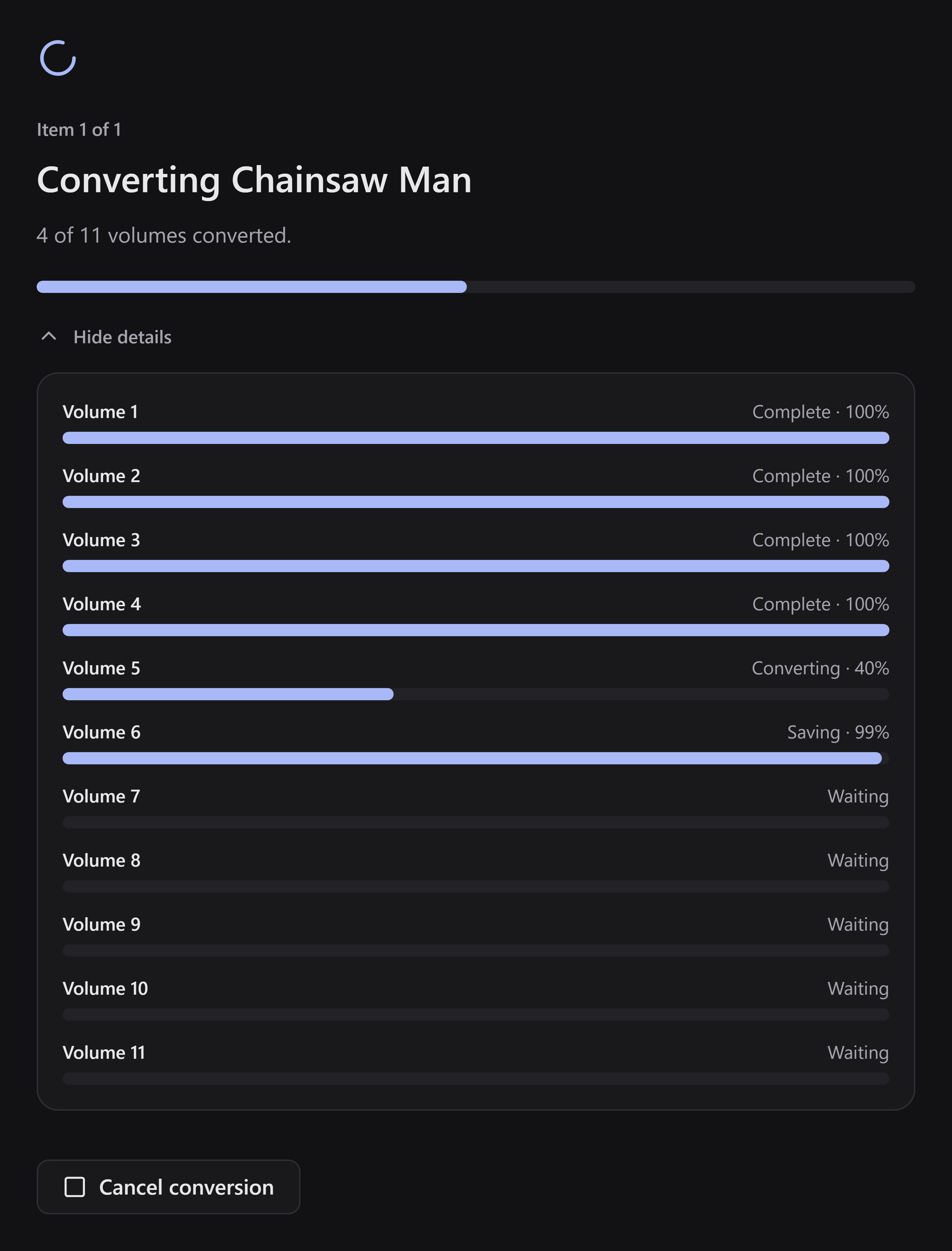
- Converting: mangapress processes pages and writes the requested format. Several volumes may run at the same time, so use Show details to see their individual states.
The overall bar tracks the run. Under Show details, Saving means a book is being packaged or written. Its bar stays below 100% until that finishes, even after all pages have been processed.
Cancel or handle a failure
Section titled “Cancel or handle a failure”Use Cancel to stop the active run. Wait for the app to finish stopping before starting again. Cancellation does not remove your source manga.
If an item fails or is skipped, read its message on the results screen. Use Fix when offered to correct missing volume assignments. For a disk/write error, check available space and permissions. An online-source error does not stop you from using manual mapping.
Successful books can still be saved even if another item failed. See saving and pending books.
If you report a problem
Section titled “If you report a problem”Include the app version, input structure (folder, library, or CBZ), device, format, enabled steps, and the exact message. Do not post your manga files or private filesystem paths unless you deliberately choose to share them.